Follow the steps below to add a payment method to your account.
Step 1: Log In
Log into your account at login.wildmanweb.com.
Step 2: Open Administration
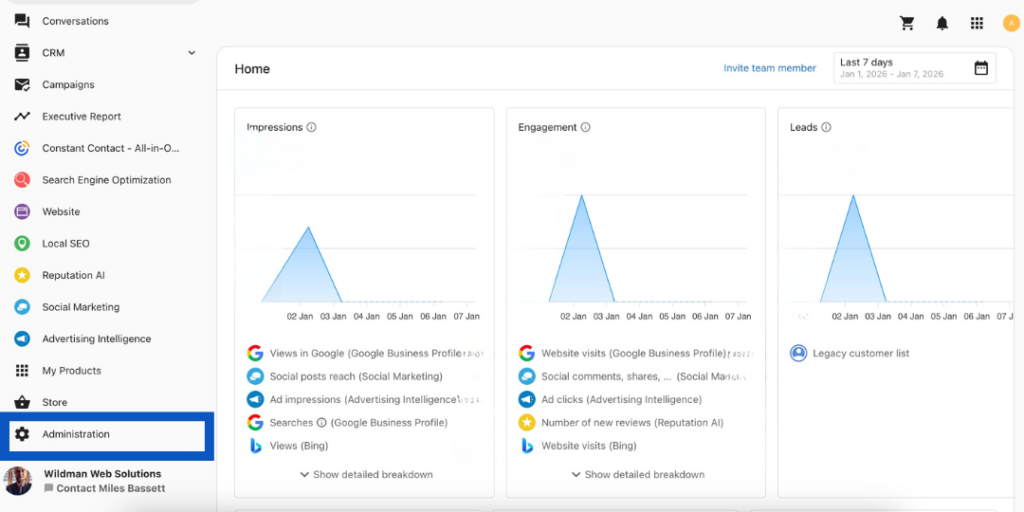
From your dashboard, scroll down the left-hand menu and click Administration.
Step 3: Open Billing Settings
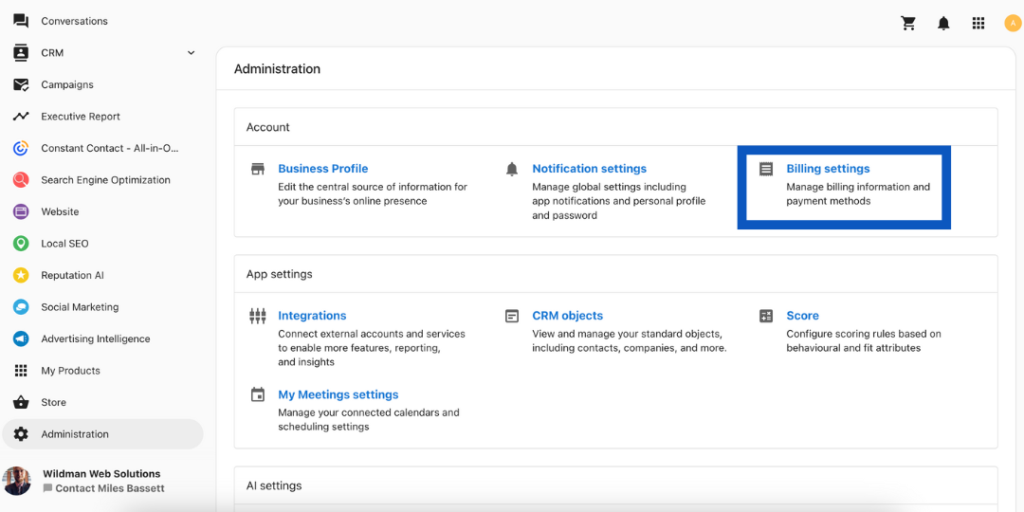
Click Billing Settings.
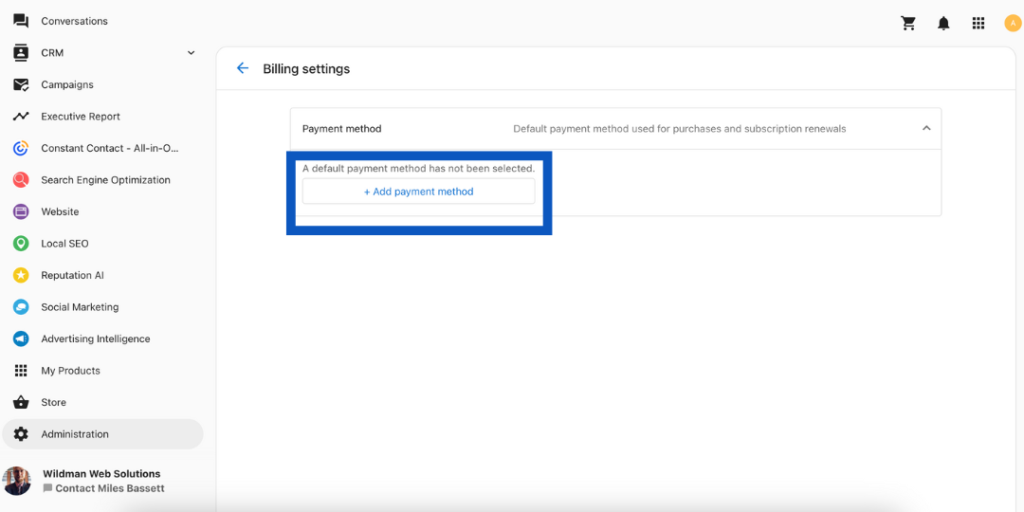
Step 4: Add a Payment Method
Select Add Payment Method.
Step 5: Save Your Card
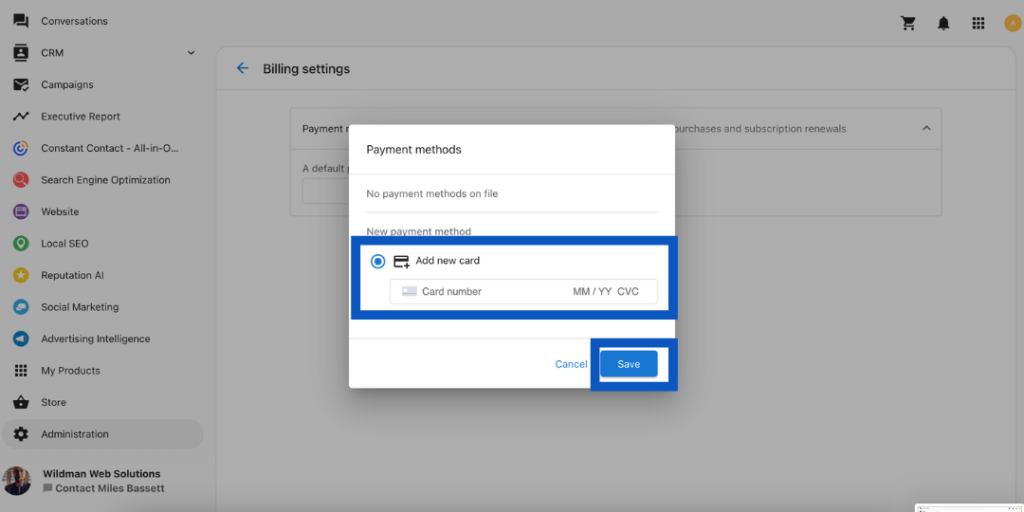
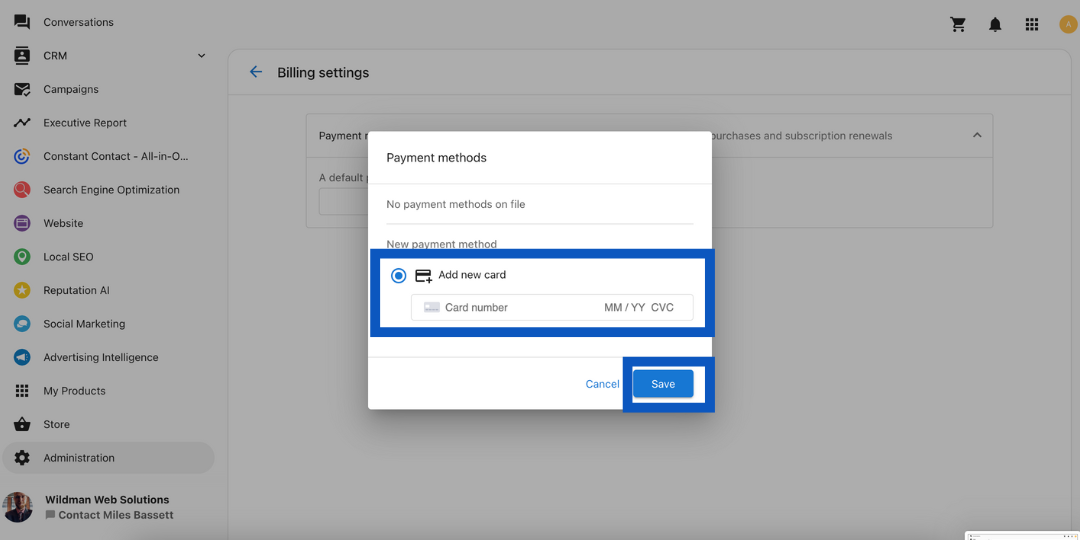
Enter your card details and click Save.