

Guide
Changing Your Business Name on Facebook
Follow these steps to update your business name on your Facebook Page. Step 1: Go to Your Facebook Page Log in to…
Guide
Connecting and Managing Accounts in Social Marketing
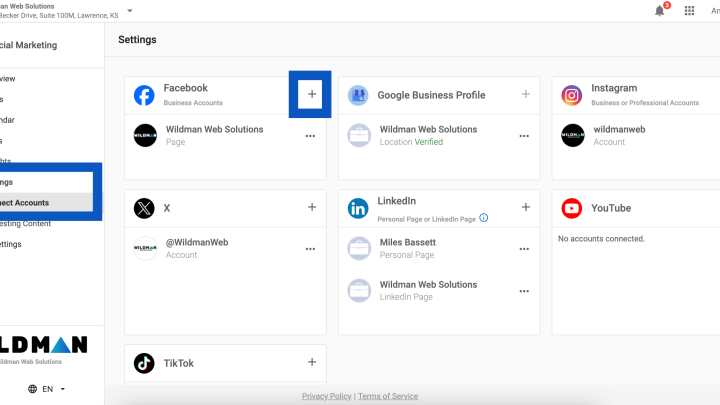
Social Marketing empowers you to connect and manage multiple social media accounts and a WordPress blog from one centralized platform. Whether you’re…
Guide
How to Flush Your Website Cache
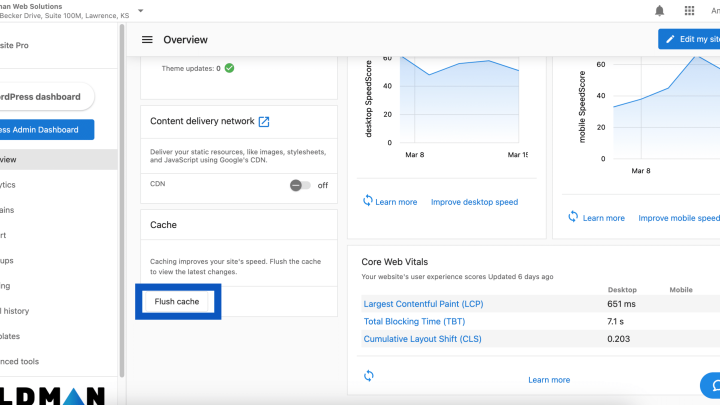
If you’ve recently made updates to your website but aren’t seeing the changes right away, your site may just need a quick…
Guide
Viewing Your Wildman Invoices
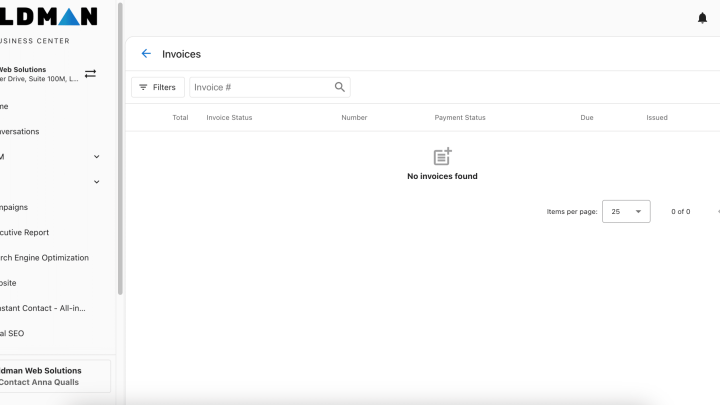
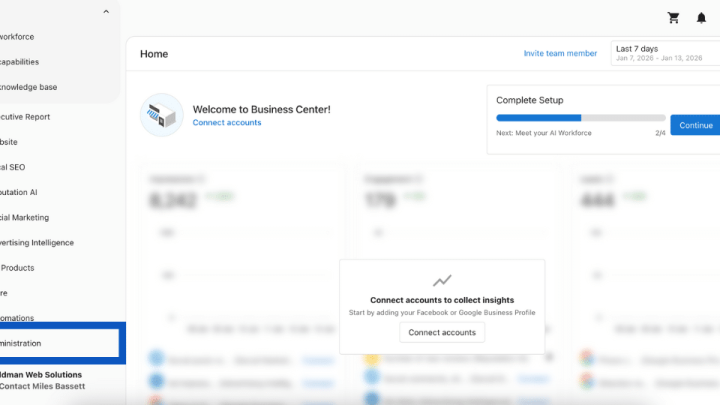
Step 1: Log in to your Wildman Web account at login.wildmanweb.com Step 2: From the left-hand menu, click Administration. Step 3: Select…
Guide
Linking Your Facebook and Instagram Accounts
Step 1: From your Facebook page, click your logo in the top right hand corner, then select ‘Settings & Privacy’ Step 2:…
Guide
How to Set Up Your Account in the Wildman Dashboard
Setting up your account helps ensure your dashboard provides accurate insights and allows all connected tools to work as effectively as possible.…

Guide
How to Set Up Custom Domain Email with Microsoft 365 – 2026 Update
This guide will walk you through setting up a professional email address using your own domain (like yourname@yourbusiness.com) with Microsoft 365. No…
Guide
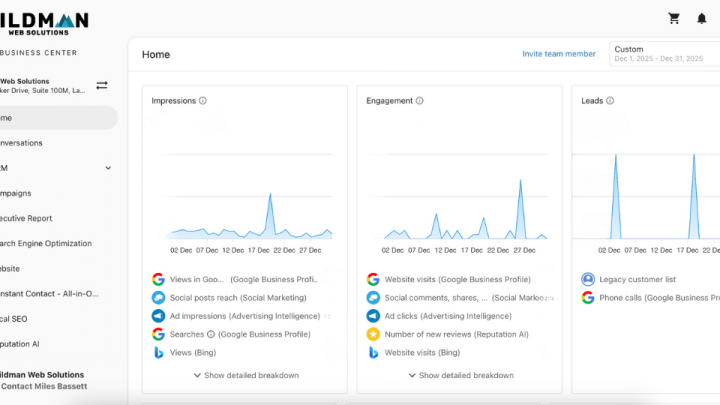
Viewing Your Website & Marketing Performance in the Wildman Dashboard
Step 1: Log Into Your Dashboard When you log into your Wildman Dashboard, the Executive Report is the first thing you’ll see.…
Guide
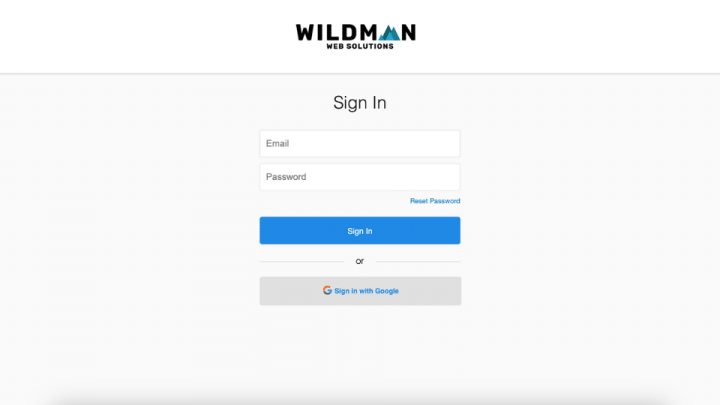
How to Log In to Your Wildman Account
There are two ways you can log in to your Wildman Web account. Choose the option that works best for you. Option…
Guide
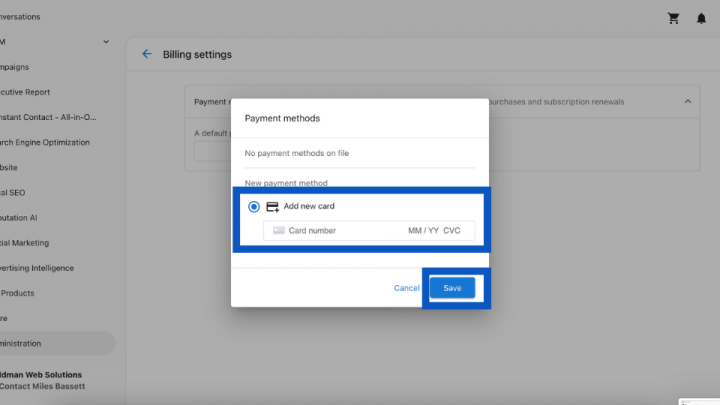
Adding a Payment Method to Your Wildman Account
Follow the steps below to add a payment method to your account. Step 1: Log In Log into your account at login.wildmanweb.com.…

Guide
How to Set Up a Google Business Profile in 2026: Best Practices
If customers search for your business on Google, your Google Business Profile is often the first thing they see. A complete, optimized…