
Guides
Step-by-step instructions and how-to articles for our platform and third-party tools.

How to Flush Your Website Cache
If you’ve recently made updates to your website but aren’t seeing the changes right away, your site may just need a quick cache refresh. Flushing your cache clears stored data and ensures the latest version of your site is displayed. Follow these simple steps: Step 1:...

Viewing Your Wildman Invoices
Step 1: Log in to your Wildman Web account at login.wildmanweb.com Step 2: From the left-hand menu, click Administration. Step 3: Select Invoices from the options. Step 4: Click on any individual invoice to view details or make a payment.
Linking Your Facebook and Instagram Accounts
Step 1: From your Facebook page, click your logo in the top right hand corner, then select ‘Settings & Privacy’ Step 2: Select ‘Settings’ Step 3: Select ‘Linked Accounts’ on the left hand side Step 4: Select Instagram Step 5: Select ‘Connect account’ and follow...

How to Set Up Your Account in the Wildman Dashboard
Setting up your account helps ensure your dashboard provides accurate insights and allows all connected tools to work as effectively as possible. While not every field is required, the more information you’re able to provide, the better your results will be over time....

How to Set Up Custom Domain Email with Microsoft 365 – 2026 Update
This guide will walk you through setting up a professional email address using your own domain (like yourname@yourbusiness.com) with Microsoft 365. No technical experience required! What You'll Need Before Starting A domain name (like yourbusiness.com) - you can buy...
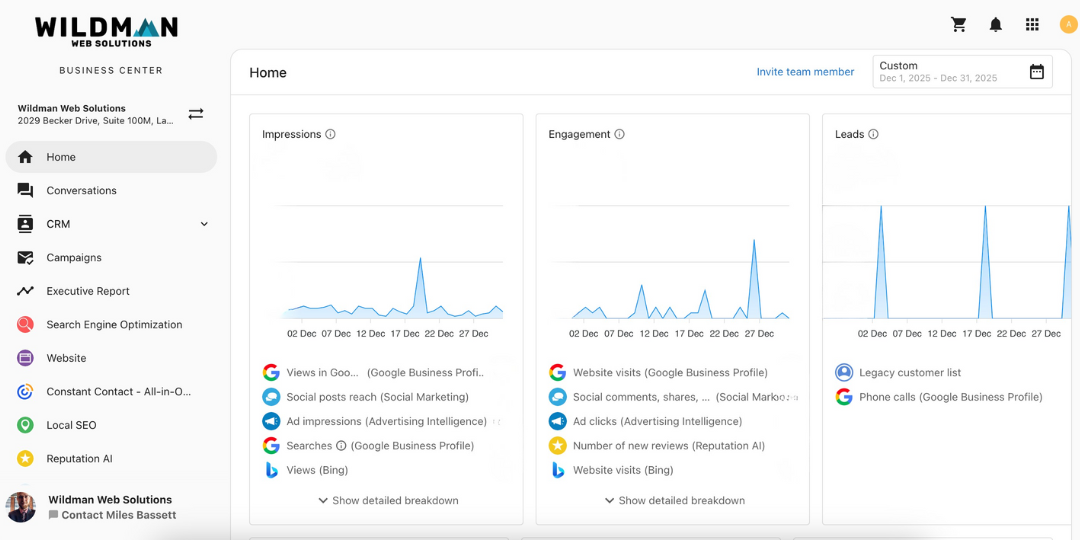
Viewing Your Website & Marketing Performance in the Wildman Dashboard
Step 1: Log Into Your Dashboard When you log into your Wildman Dashboard, the Executive Report is the first thing you’ll see. This report gives you a high-level overview of how your website and marketing efforts are performing in one place. Step 2: Review the...
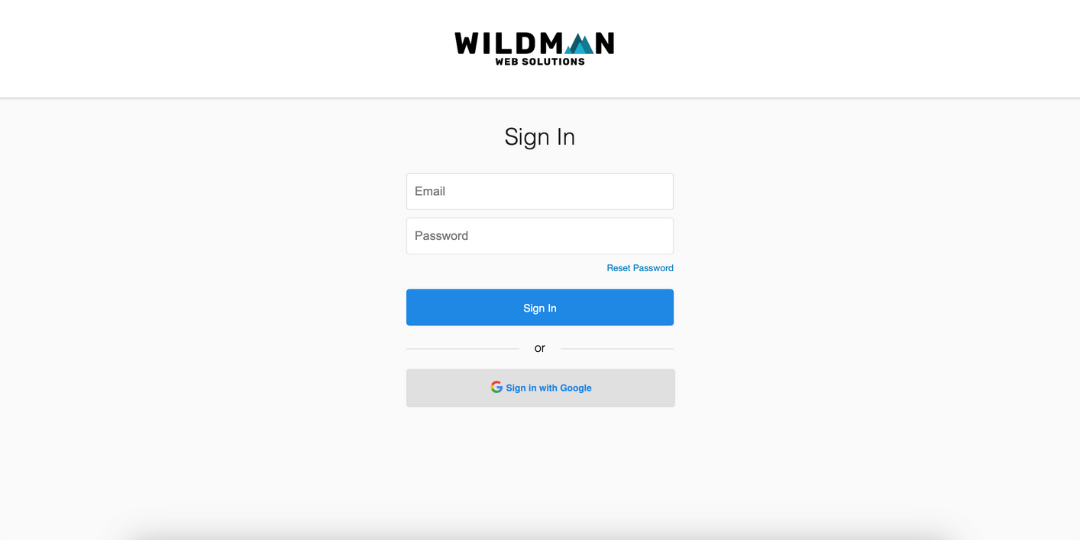
How to Log In to Your Wildman Account
There are two ways you can log in to your Wildman Web account. Choose the option that works best for you. Option 1: Log In Through Our Website Visit our website and click Client Login in the top-right corner. You’ll be taken to the login page where you can enter your...
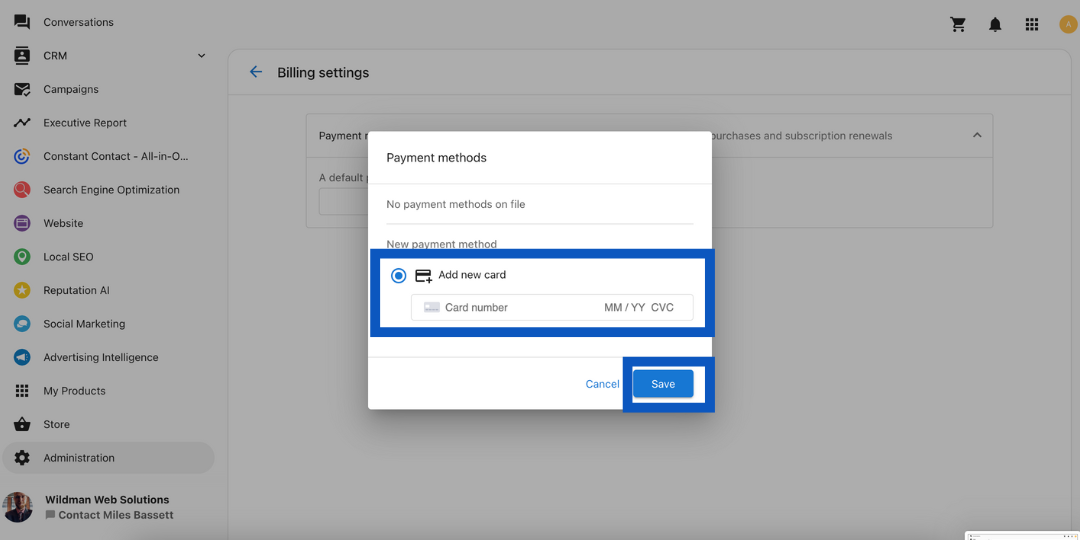
Adding a Payment Method to Your Wildman Account
Follow the steps below to add a payment method to your account. Step 1: Log In Log into your account at login.wildmanweb.com. Step 2: Open Administration From your dashboard, scroll down the left-hand menu and click Administration. Step 3: Open Billing Settings Click...

How to Set Up a Google Business Profile in 2026: Best Practices
If customers search for your business on Google, your Google Business Profile is often the first thing they see. A complete, optimized profile helps you show up in local search results, appear on Google Maps, and build trust before someone even visits your website....