How to Change Your Name on Instagram From a Desktop
 Wildman Web Solutions

Follow these steps to update your name on Instagram using your computer.
Step 1: Go to Your Instagram Profile
Log in to Instagram and navigate to your profile.
Step 2: Select Edit Profile
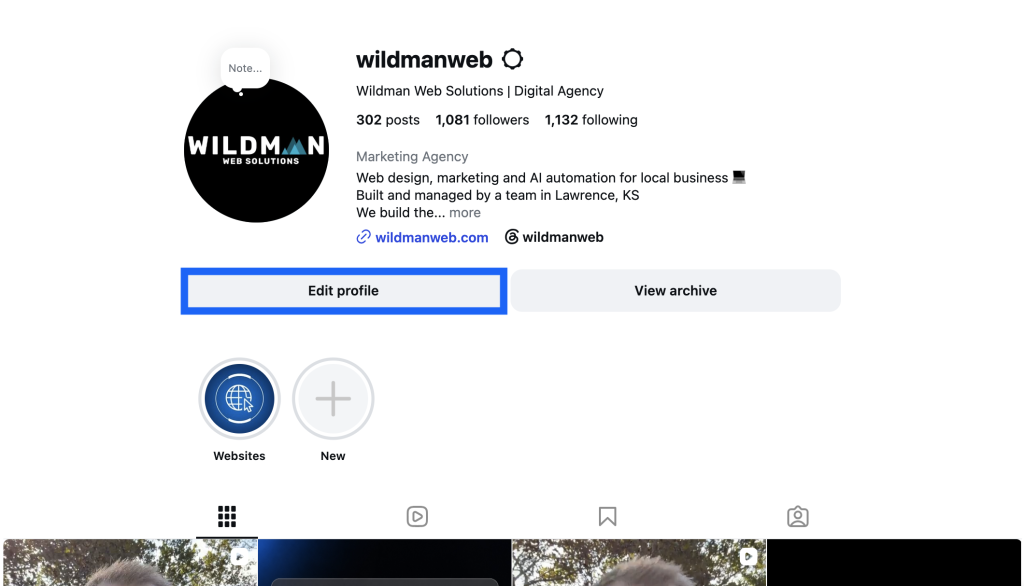
Click Edit Profile on your profile page.
Step 3: Open Accounts Center

Select Accounts Center.
Step 4: Select Your Instagram Account

In Accounts Center, select your Instagram account.
Step 5: Edit Your Name
Select Name, enter your new name, and save your changes.
Please note: Instagram only allows you to change your name once every 14 days, so double-check your spelling before saving.